How to Operate Binance Exchange Founded by Changpeng Zhao: A Step-by-Step Guide for Beginners

Binance, founded by Changpeng Zhao (often referred to as CZ), is the world’s largest cryptocurrency exchange by trading volume. Understanding how to operate this platform effectively is crucial for both new and experienced traders. This guide provides a clear walkthrough of the core operations on Binance, covering account setup, funding, trading, and security measures.
1. Account Registration and Verification
To start, visit the official Binance website or download the mobile app. Click “Register” and use a strong password. You will need to complete email or phone verification. For full functionality, such as higher withdrawal limits and access to fiat currency deposits, you must complete Identity Verification (KYC). This involves submitting a government-issued ID and a selfie. The process typically takes a few minutes to a few hours.
2. Depositing Funds
After verification, you can deposit funds. Binance supports two main methods: cryptocurrency deposits and fiat currency deposits. For crypto, navigate to “Wallet” > “Fiat and Spot,” then click “Deposit.” Choose the cryptocurrency (e.g., Bitcoin, USDT) and copy the deposit address. Send your crypto from an external wallet to this address. For fiat deposits, you can use bank transfers, credit/debit cards, or third-party payment providers, depending on your country.
3. Navigating the Trading Interface
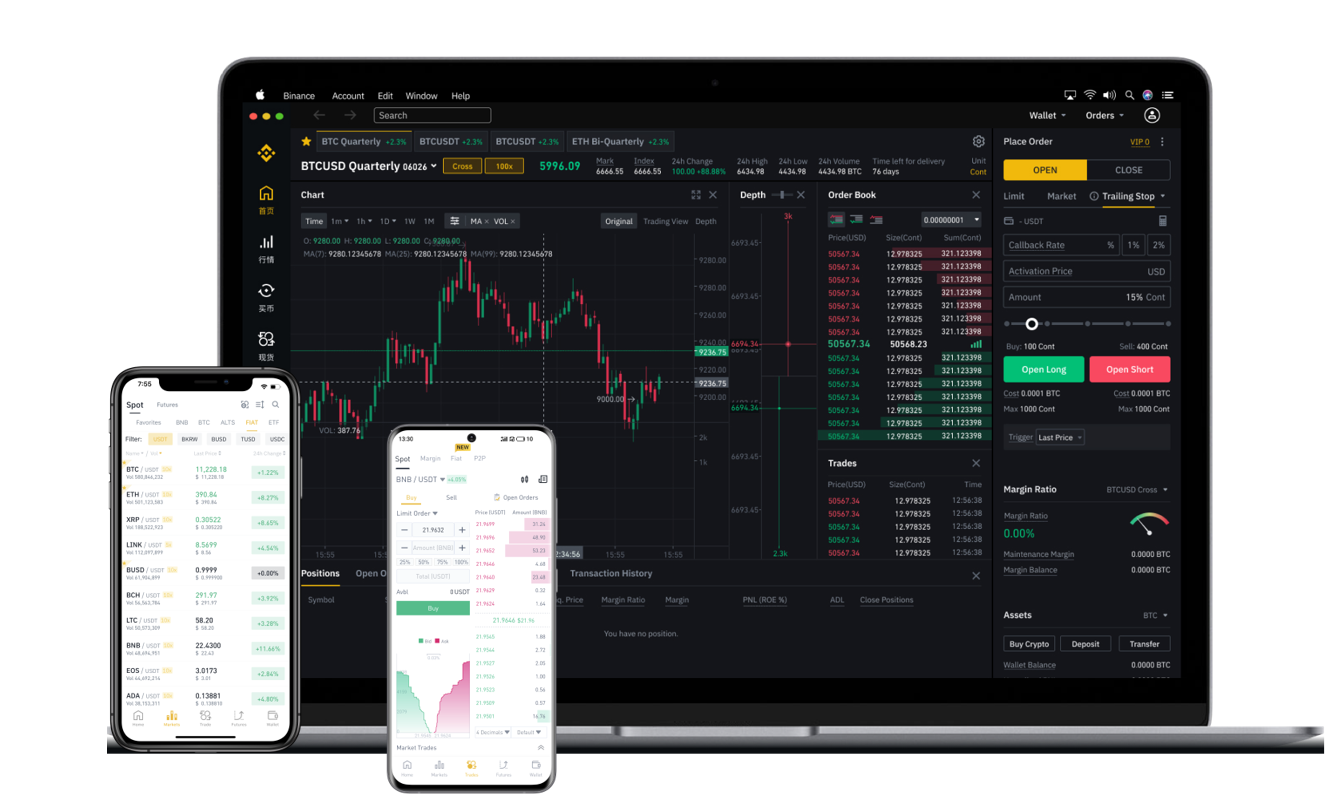
The primary trading interface is the “Exchange” section. Here you will find three main views: Classic, Advanced, and Lite. For beginners, the “Lite” or “Classic” mode is recommended. You will see a price chart in the center, the order book on the right, and the trading pair selection at the top. To trade, select a pair like BTC/USDT. You can place a “Market Order” (buy/sell at the current best available price) or a “Limit Order” (buy/sell at a specific price you set). Enter the amount and click the green “Buy” or red “Sell” button to execute.
4. Using the Spot Wallet and Key Functions
All completed trades settle in your “Spot Wallet.” From this wallet, you can manage your balances, transfer funds to other Binance products like staking, or withdraw to external wallets. Key operational features include “Convert” for simple swaps between coins, “Earn” for staking or lending your crypto to earn interest, and “P2P Trading” for buying/selling crypto directly with other users using fiat currencies. Finally, security is paramount. Always enable Two-Factor Authentication (2FA) via Google Authenticator or SMS to protect your account from unauthorized access.
5. Withdrawing Funds
To withdraw cryptocurrency or fiat, go to “Wallet” > “Fiat and Spot” > “Withdraw.” Enter the destination wallet address or bank account details. Double-check the address carefully, as crypto transactions are irreversible. The platform will often require a security confirmation via email and 2FA. Withdrawal fees vary by currency and network, so selecting the correct network (e.g., BEP-20, ERC-20) is essential to avoid losing funds.