How to Sell on Binance: A Complete Beginner's Tutorial for Easy Crypto Trading

Navigating the world of cryptocurrency trading can feel overwhelming, especially when you are ready to make your first sale. For many beginners, the question is not just "how to buy crypto" but rather "what is the safest and most efficient way to sell my coins?" This guide serves as a comprehensive Binance tutorial focused entirely on the selling process. Whether you are looking to cash out for fiat currency or swap one digital asset for another, understanding the correct steps is crucial to avoid costly mistakes.
The first method to explore is the Binance Convert feature. This is the simplest way to sell crypto instantly at a fixed price. Located in the "Trade" menu, the Convert tool allows you to select the asset you wish to sell (e.g., Bitcoin or Ethereum) and choose the currency you want to receive. The platform shows you the exact exchange rate before you confirm the trade. This is ideal for beginners who do not want to deal with complex order books or slippage. Simply enter the amount, review the rate, and click "Sell." Your assets are exchanged immediately, making this the fastest method for straightforward sales.
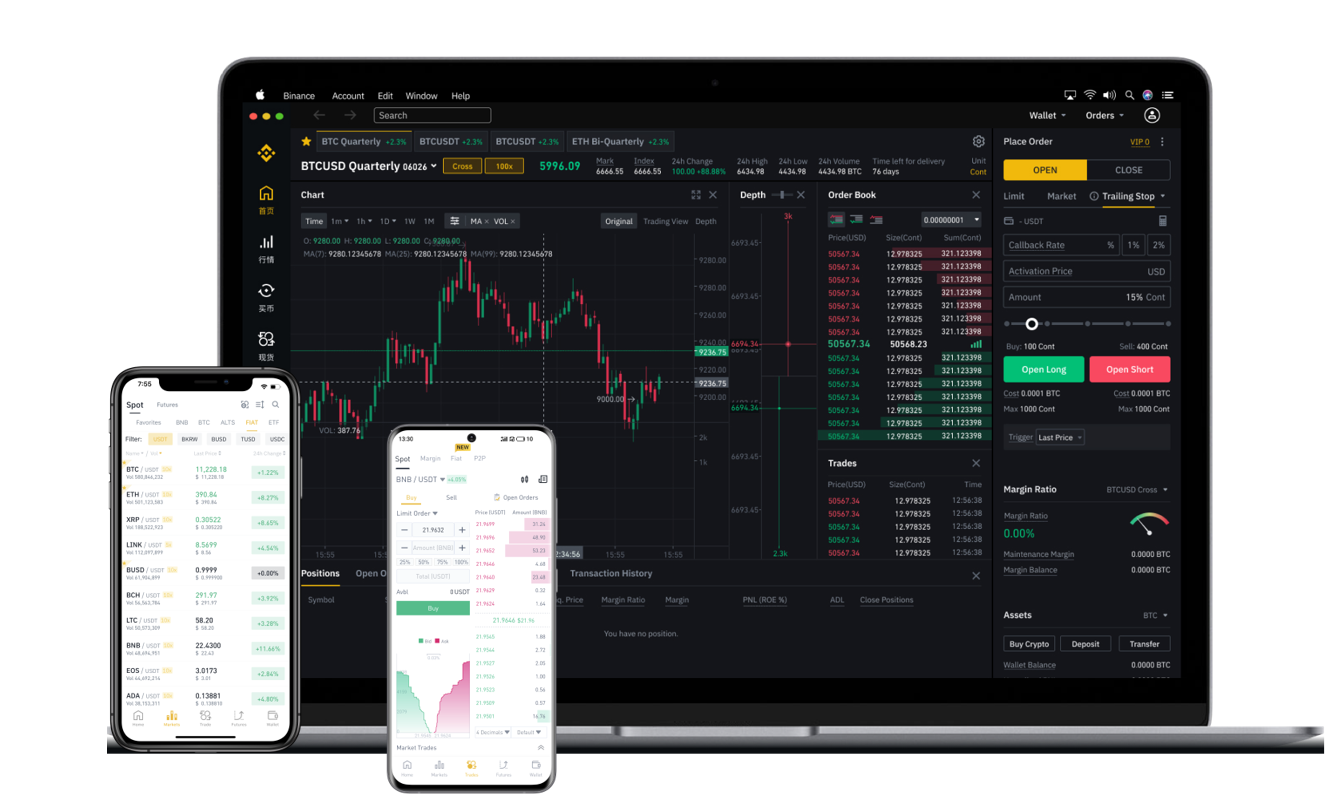
For users who want more control over their selling price, the Binance Classic Trading interface is the standard solution. To sell using this method, you must first transfer your cryptocurrency from your Spot Wallet into the Trading Wallet (or simply use the spot trading page). Select the pair you wish to trade—for example, if you want to sell USDT for dollars, you would look for the USDT/TrueUSD or USDT/FDUSD pair, or a fiat pair depending on your region. There are two primary order types: a "Limit Order" allows you to set a specific price at which to sell, and the order will only execute when the market reaches that price. A "Market Order" sells your crypto immediately at the current best available price. Beginners are often advised to use market orders for simplicity, though limit orders can help you avoid selling during a sudden price dip.
If your goal is to withdraw actual cash to your bank account, you will need to use Binance's Fiat and Spot section. After selling your crypto for a stablecoin like USDT or directly for a fiat currency, you navigate to the "Buy Crypto" tab and select "Sell." Binance offers various payment methods depending on your country, including bank transfers (SEPA, SWIFT), Visa/Mastercard, and peer-to-peer (P2P) options. The P2P marketplace is particularly popular because it allows you to sell directly to other users at negotiated rates, often with zero trading fees. This method requires you to find a buyer, agree on the rate, and release your crypto only after you have received the payment. Always verify the buyer's transaction history and use the platform's escrow service to guarantee security.
Lastly, remember to manage your withdrawal fees and transaction speeds. When selling on Binance, you might incur a small trading fee (typically 0.1% for spot trading) and a network fee when withdrawing funds. To maximize your profits, consider selling during times of lower network congestion or choosing a stablecoin with low transfer costs. Always test with a small amount first if you are new to the process. By mastering these basic selling methods—Convert for speed, Classic for control, and Fiat/P2P for cash access—you can confidently manage your portfolio and execute trades without unnecessary risk. Keep your security settings high, including two-factor authentication (2FA), and you will be well on your way to becoming a proficient Binance user.