Step-by-Step Guide: How to Trade Cryptocurrency on Binance DEX

For many cryptocurrency enthusiasts, the idea of trading without handing over control of their funds to a third party is the ultimate goal. Binance’s decentralized exchange, often referred to as Binance DEX or Binance Chain DEX, provides exactly this function. Unlike the centralized Binance.com platform, a DEX allows you to maintain custody of your private keys. If you are wondering about the specific steps to operate on this exchange, this guide breaks down the entire process from wallet setup to executing your first trade.
The first step in accessing the Binance DEX is understanding that you cannot simply log in with your standard Binance.com email and password. The DEX operates on the Binance Chain (BC) and Binance Smart Chain (BSC) ecosystem. To begin, you need a non-custodial wallet. The most common option is the Binance Chain Wallet browser extension, but you can also use Trust Wallet or Ledger hardware wallets. You must install the wallet, securely back up your seed phrase, and set a strong password. Never share your seed phrase with anyone, as it represents full control over your assets.
Once your wallet is installed and funded, you need to navigate to the official Binance DEX interface. The official URL is dex.binance.org. When you visit this site, you will be prompted to connect your wallet. Click the ‘Connect Wallet’ button and select the wallet type you are using (e.g., Binance Chain Wallet). The system will ask you to sign a message to verify ownership of the address. This is a gas-free signature that does not cost any BNB but proves you hold the private keys. After signing, your wallet is connected, and you will see your balance on the left side of the interface.
Before trading, you must ensure you have the correct assets. The Binance DEX primarily supports BEP-2 tokens (native to Binance Chain). If you hold tokens on the Ethereum network or BEP-20 tokens, you cannot trade them directly here. You must first deposit BEP-2 tokens. To do this, find the ‘Assets’ or ‘Balances’ tab on the interface. Click ‘Deposit’ next to the token you want to transfer. The system will generate a deposit address and a memo tag. Be extremely careful: if the token requires a memo tag, you must include it when sending from an external wallet. Missing the memo will result in a permanent loss of funds.
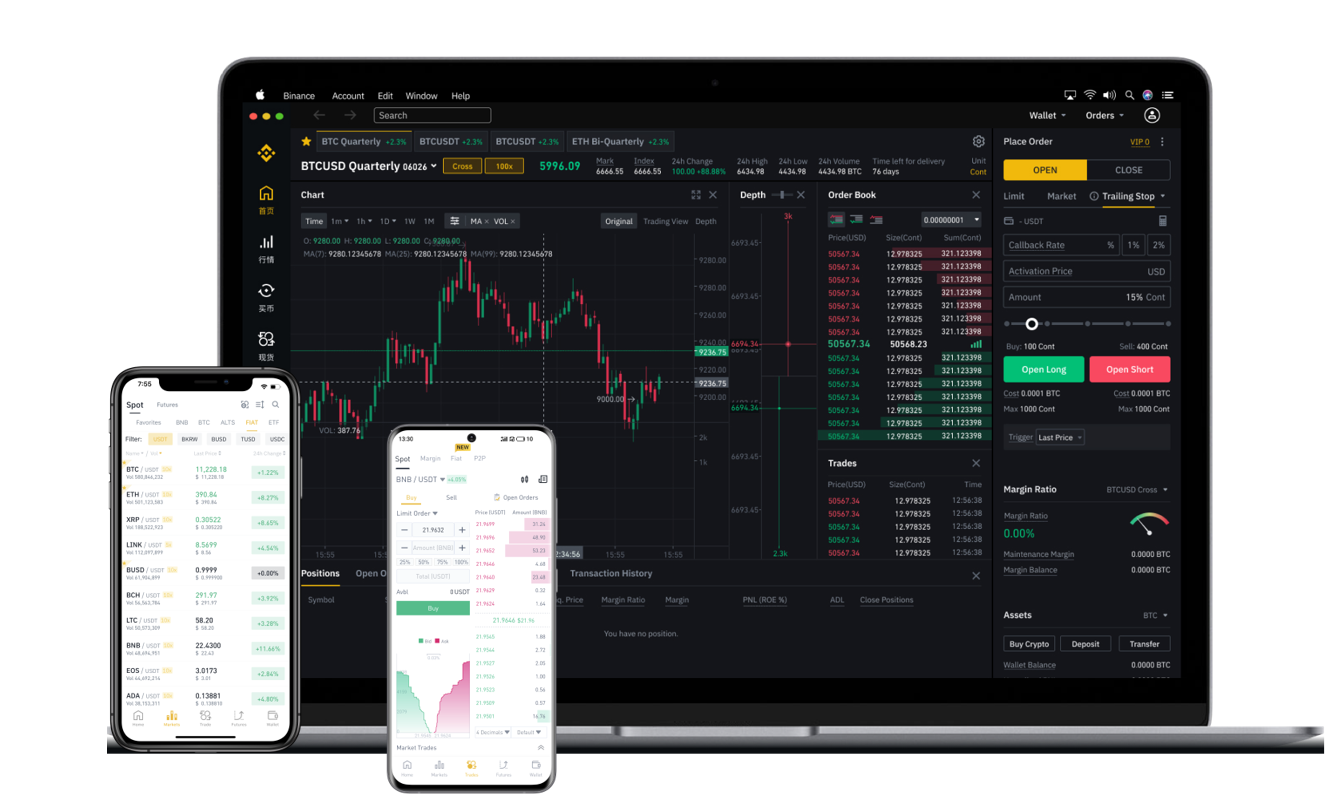
With your BEP-2 tokens deposited, you can proceed to the trading interface. The layout resembles a standard exchange: a chart in the middle, an order book on the right, and a trading panel on the left. You need to select a trading pair that starts with a BEP-2 base asset, such as BNB or BUSD. For example, if you want to trade a specific altcoin against BNB, select that pair from the list. On the trading panel, choose your order type. Most beginners use a ‘Limit Order’, where you set the price you are willing to pay. Enter the amount of tokens you want to buy or sell, and click the ‘Buy’ or ‘Sell’ button. A pop-up will appear in your wallet extension asking you to confirm the transaction. Review the details and the network fee (paid in BNB), then sign the transaction. The order will then be placed on the order book.
One critical advantage of the Binance DEX is that your funds never leave your wallet until the trade executes. However, this also means you have full responsibility for transaction speeds and token selection. The confirmation speed depends on the Binance Chain’s block time, which is typically very fast, often under one second. Once the order is filled, the tokens will appear in your wallet balance on the DEX interface. You can withdraw them at any time by clicking the ‘Send’ button, entering a destination address, and signing the transaction.
In summary, operating on the Binance decentralized exchange requires a shift in mindset. You move from trusting a company to trusting your own setup. The workflow is straightforward: install a compatible wallet, fund it with BEP-2 tokens and a small amount of BNB for fees, connect to dex.binance.org, and place your orders. Always double-check addresses, memo tags, and token tickers to avoid errors. With these steps, you can leverage the security of non-custodial trading while benefiting from the liquidity of the Binance ecosystem.